
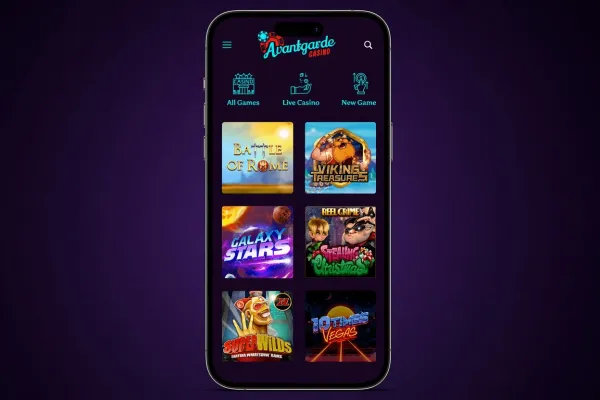
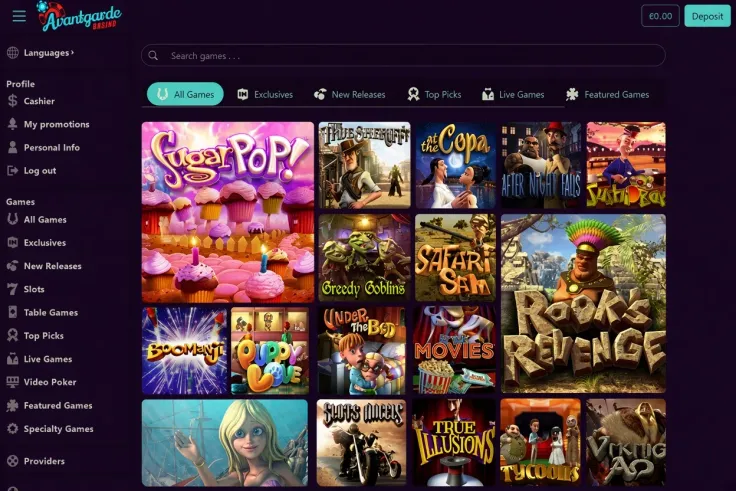
Avantgarde Casino has no Android app. On an Android phone you play through the mobile site in the browser.
The phone-browser steps are shown above, so this page covers what to expect and what to do to keep the account safe.
What you get on an Android phone

The mobile site is the Android route to Avantgarde Casino. There is no separate app with its own features, so there are no phone-only extras to look for. What you reach on the phone is the casino itself, including the live dealer games, which are part of the range.
On a small screen a few things differ from a desktop in practice. You work with a touch screen and a narrower view, so take more care when you confirm a payment or enter an amount, and read each screen before you tap. Check the amount twice before you confirm anything.
If you want to compare phone play across devices, the iPhone app page covers the same question for iPhones, and the mobile version page gives the shared background.
Installing: what to expect

There is nothing to install from a store, because no Android app is listed. Playing in the browser needs only the phone and a connection.
Be careful with anything that claims to be an app for Avantgarde Casino. Messages, adverts and unfamiliar websites sometimes offer an app file for Android phones. An app from an unknown source can carry malware or steal your login details. Never install one, and do not change your phone's settings to allow installs from unknown sources for this purpose. If a file is described as the casino's app, the safe response is to ignore it and use the browser.
Once you have opened the site in the browser, you can log in or create an account. The sign up and login pages cover those steps.
Practical points on Android

Set a screen lock on the phone and do not let the browser save the casino password on a shared handset. Log out when you finish, and keep the phone's system and browser updated. Review the permissions you have given to the browser, such as notifications and location, and switch off the ones you do not need.
Use your own mobile data or a trusted network. Public wifi is a poor place to log in to a casino account or to enter payment details. Streaming live dealer games uses a lot of data, so check your plan allowance before you start, and keep an eye on the battery as well.
Decide how much you are prepared to spend and how long you will play before you start, and use the deposit limits and time-outs in the account if it offers them.
If you need help with the account, contact Avantgarde Casino support through the channels on the site and keep a written record of the conversation. A screenshot of each payment confirmation on the phone is a simple way to have the details to hand later, and the same goes for any message from support. For payments, the deposits page explains the methods before you pay.