

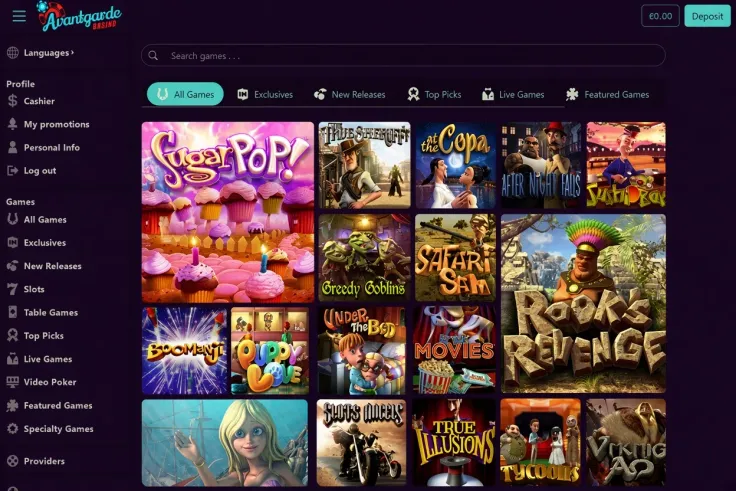
To sign up at Avantgarde Casino, you open the website, register with your personal details and complete the identity check, as the steps above show. You must be 18 or over, and it helps to have your documents ready before you start.
Keep your own details to hand: your full name, address and contact details as they appear on your documents. The deposit and the welcome offer come after registration, and the welcome bonus page covers that offer on its own. T&Cs apply.
What happens behind the registration steps

Two things happen during registration: you give your personal details, and you verify your identity. The details you enter should be your own and should match your documents. Using a nickname, a different address or someone else's information leads to trouble at the identity check, so enter exactly what your documents show.
The documents named are Photo ID or passport, Proof of address, Proof of payment method and Credit card verification form (card deposits). The list includes proof of address and proof of payment method as well as photo ID, and a form for card deposits, so gather all of them in one place before you begin. Prepare clear copies before you start, because a blurred or cropped file is a common reason for a request to come back. The verification page explains the process.
Register only for yourself, and do not share the login once you have an account. Use an email address and a phone number that you control and check, because those are the details you will want to have access to if you need to recover the account or contact support.
The steps end with a deposit, which is when the welcome offer comes in. The offer has its own page, and the no deposit bonus codes page covers that topic separately. T&Cs apply to every offer, so read the full terms before you deposit. The payment methods are covered in the deposit guide.
A practical way to prepare is to put the documents in a single folder on your phone or computer before you open the registration page. Check that each image is complete, readable and in focus, with all four corners visible. If you are asked for one later, you can send it at once, with nothing left to track down. Name each file after the document it shows, so that you can tell them apart when the upload asks for them one by one.
18+ · T&Cs apply
If registration does not work

Most problems at this stage are small. A form that will not submit is usually missing a field or has a detail in the wrong format, such as a date or a phone number. Check each entry, correct it and submit again. If the page itself does not load or freezes, refresh it, or try another browser, and make sure your connection is stable.
If the identity check rejects a document, read the reason, replace the file and send it again. Photos that are cropped, dark or out of date are the usual causes, and a complete, clear scan of the full document solves most of them. Do not edit a document or send one that belongs to someone else.
If you forget the details you chose, do not register a second time. Look instead at the login page for how to get back into an account you already have.
When a problem continues, contact support. Avantgarde Casino has live chat, email and phone, and support is available 24/7. Describe what you entered and what you saw, and keep a note of the time, so support can find the problem quickly.
If you cannot recall which email address you used, check your inbox for messages from the casino before you create another account. If you find none, contact support before you register again, and describe what you remember about the earlier attempt.
Setting up the account safely

Choose a password that you do not use anywhere else, and enter it only on the casino's own website. This review site has no login form and never asks for your password. If a message or a link asks you to confirm your details, go to the website yourself and do not use the link.
Keep your documents in a safe place and send them only through the casino's own channels. Do not post them in public, and do not send them to anyone who contacts you first, whatever reason they give.
Log out when you finish on a shared phone or computer, and do not let the browser save the password on a device other people use. A screen lock on your own phone adds a further layer, and it takes only a moment to set up.
Before you make a deposit, decide how much you can afford to lose and keep to it. If the account offers deposit limits, set one as part of the setup, and set it before you play rather than after a session has started. The safer gambling page explains the tools that help.