

What Avantgarde Casino offers on a phone
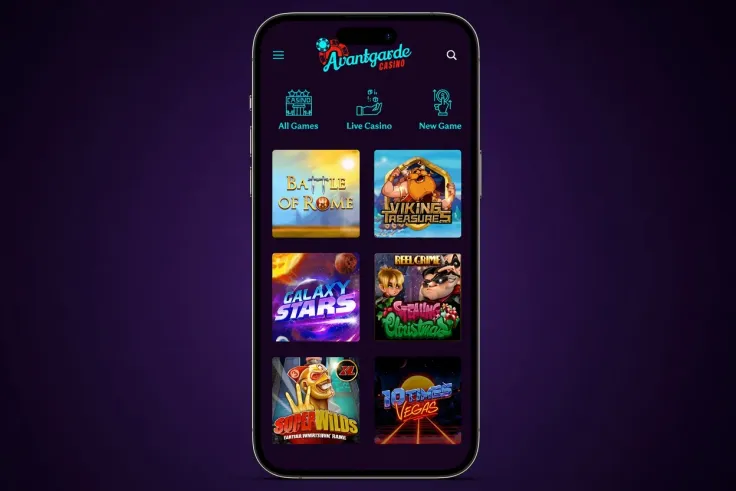
The mobile site is the phone option. The casino has a live dealer range, and the game library draws on studios including Rival, Betsoft Gaming, Saucify, Spinomenal, Tom Horn, Fresh Deck Studios, Qora Games, Fugaso, Dragon Gaming and Vivo Gaming. Payments run through the payment methods Visa, Mastercard, American Express, Bank transfer, MiFinity, Bitcoin, Litecoin, Ethereum, Tether, USD Coin, Tron and Binance Coin, and the usual withdrawal time is 5–18 business days.
Read the deposits and withdrawals pages before you move money from your phone.
The live casino and slots pages describe the games in more detail, and the games page gives the wider view of the library. Those pages are worth a look before a session, because choosing a game on a small screen is easier when you already know what you want to open.
Support is available 24/7 by live chat and by email. Both are worth saving before you need them, so you know where to go if something on the phone does not behave as expected.
Because there is no native app, treat any app or file offered under the Avantgarde Casino name in a message, an advert or a third-party site with caution. The route to play on a phone is the mobile site.
Mobile site, iPhone and Android
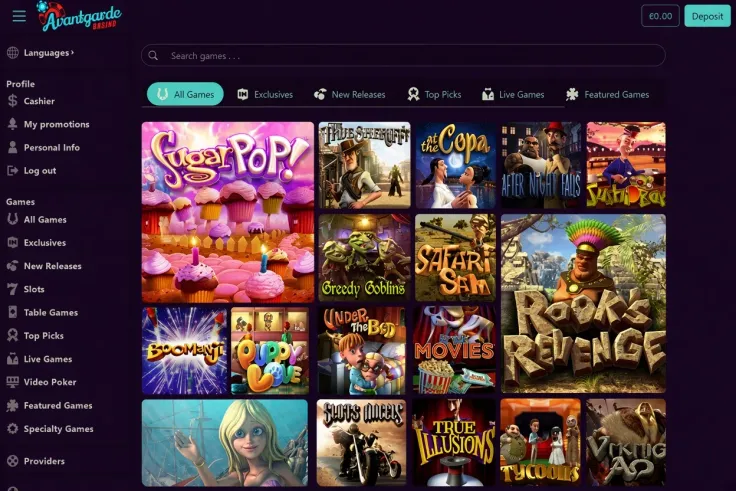
The three pages in this section answer three different questions, and the answers are close to each other.
The mobile version page is the practical one. It covers playing through a phone browser, which is how both iPhone and Android handsets reach Avantgarde Casino.
The iPhone app page exists because iPhone owners ask about an app directly. The answer is that there is no iPhone app, so the page points you back to the mobile site and explains what that means for an iPhone.
The Android app page does the same for Android handsets. There is no Android app, and the page explains the browser route and the risk of installing files from unknown sources, which is the most common mistake on Android.
One difference is worth stating plainly. A native app would be a separate piece of software with its own updates. The mobile site is not, so there is nothing on the phone to keep up to date apart from the browser itself. If you ever see a download offered for Avantgarde Casino, the sensible response is to leave it alone and use the browser.
In short, the pages differ in the question they answer, not in what you end up using. If you are unsure which one to open, the page for your handset gives the most direct answer, and the mobile version page gives the shared background.
18+ · T&Cs apply
Where to start

Pick the page that matches your phone. An iPhone owner can open the iPhone page, an Android owner the Android page, and anyone who wants the general picture can begin with the mobile version.
A few criteria help you decide how to go on from there. Think about whether you will deposit from the phone, because the deposits page covers the payment methods and the withdrawals page the timings. Think about whether you prefer the live dealer games, which are part of the range, or the slot library from the providers listed above. And check that your phone has a recent browser, a screen lock and enough battery before a longer session.
Identity verification applies to Avantgarde Casino accounts, so have your documents ready on whichever device you use. The verification page explains the process, and the sign up page covers the account steps that come before it.
If you already have an account, the login page covers signing in from a phone, and the FAQ page collects short answers to the questions that come up most often.
Practical points before you play on a phone

Keep the phone locked with a passcode and do not let the browser save your Avantgarde Casino password on a shared or borrowed device. Log out when you finish a session, especially on a phone that other people use.
Use a trusted network. Public wifi in cafes and airports is a poor place to log in to a casino account or to enter payment details, and mobile data from your own plan is the safer choice.
Set your own limits before you start: how much you are prepared to spend and how long you will play, and stop when you reach either. A phone makes play easy to start at any moment, which is a reason to decide the limits in advance. If the account offers deposit limits or time-outs, use them, and read the safer gambling page for the tools available.
Keep your phone's system and browser updated. Updates close security gaps. Clear the browser's saved data on a phone you plan to sell or hand on, and remove saved payment cards from it.
Check the amounts on each payment screen before you confirm, and keep a note of what you have deposited and withdrawn so the totals are never a surprise.
If something looks wrong with the site on your phone, contact support through live chat or email instead of retrying payments.