
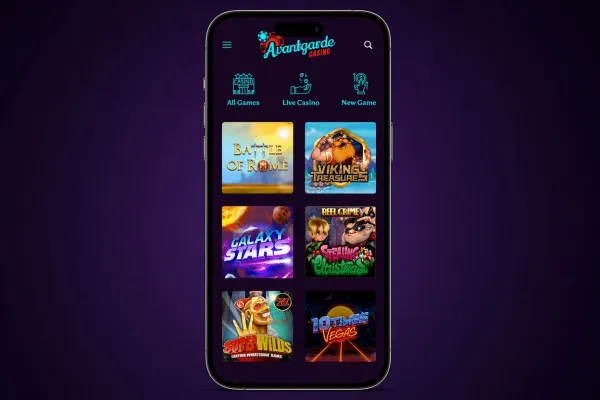
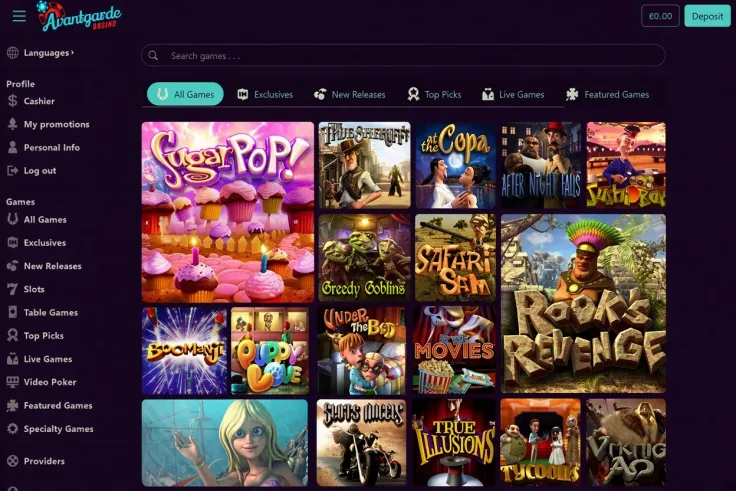
Avantgarde Casino has no iPhone app and no Android app, so the mobile version is the mobile site: you open it in your phone browser and play there. The mobile site is the one route to Avantgarde Casino on a phone, and the table above shows this at a glance. This page covers what that means in practice, including how to log in, how to protect the account and what to check before a session.
You can log in with an existing account or sign up from the same phone browser. The steps above cover the route from opening the browser to one-tap access.
What you get on the mobile site

The mobile site gives you the casino itself in your browser. Live casino is part of the games at Avantgarde Casino, so live dealer tables can be opened from a phone as well as from a computer. You do not choose between a lighter phone version and the full casino by installing something: the browser is the only way in.
Because there is no app, there is nothing to update, and nothing takes up storage on the phone beyond the browser itself. The trade-off is that the site depends on your browser and your connection. If the page loads slowly or a live game freezes, the cause is usually the connection or the browser, so a refresh or a switch from mobile data to a stronger Wi-Fi signal is the first thing to try.
Screen size is the main practical difference from the desktop. A phone shows less at once, so live tables and game screens are easier to follow when you hold the phone sideways. Take a moment to read the details of any game before you play it: paytables, rules and features are easier to miss on a small screen than on a large one.
Nothing to install

There is no app to find in the App Store or Google Play, and there is nothing to download. If you see a file or a link that claims to be the Avantgarde Casino app, do not open it. Installing casino software from an unknown source can expose your phone and your account details, and with no app listed, there is no legitimate file to install.
What you can do is save a shortcut. Most phone browsers let you add a site to your home screen, which places an icon on the phone that opens the site in one tap. It is a bookmark, not an app, and it works the same way as typing the address.
The app page covers the same question for both systems, and the iPhone app and Android app pages answer it for each one.
Use the casino's own website every time you log in. Typing the address yourself, or opening your saved shortcut, is safer than following a link in a message or an email, because a copy of a login page can look identical to the real one. This review site has no login form and never asks for your password.
Practical points on a phone

A phone is easy to share, lose or leave unlocked, so protect it first. Set a passcode or biometric lock on the device, and do not let your browser save the casino password on a phone other people use. If the phone is lost, change the casino password from another device as soon as you can.
Public Wi-Fi is open to other people on the same network. Use mobile data or a network you trust when you log in, and do not enter payment details on a connection you do not control. If you play live games over mobile data, remember that streaming uses more data than a simple slot does, so check your plan if it has a cap.
Keep the amount you spend within what you can afford to lose, and decide it before the session rather than during it. The safer gambling page explains the tools that exist to help, such as deposit limits and time-outs; use any of them that the account offers.
Finally, log out when you finish, especially on a phone you share, and close the browser tab.